
Assign work clearly
Send students weekly tasks with the resources, notes, and activities they need to practice well.
Music Teacher Software
LaMusix gives private music teachers and independent studios a focused workspace for assignments, resources, student practice tracking, and measurable progress between lessons.
Why Teachers Use It
LaMusix helps teachers move from verbal reminders and scattered notes to a repeatable weekly teaching workflow.
Send students weekly tasks with the resources, notes, and activities they need to practice well.
Review practice logs and progress signals before the next lesson, not after momentum has already faded.
Build activities once and use them across students, classrooms, and recurring lesson themes.
Who It Helps
Music teachers often teach across ages, instruments, ability levels, and family expectations. LaMusix keeps the instructional workflow organized without forcing teachers into a generic classroom system or an admin-heavy studio management tool.
Keep each student's lesson notes, weekly assignments, resources, and practice history connected from one lesson to the next.
Standardize the way work is assigned while still giving teachers flexibility for each student's instrument, level, and goals.
Give students and families a clearer place to find expectations, practice tasks, and follow-up after lessons or rehearsals.
Example Workflow
Instead of relying on memory, screenshots, or handwritten notebooks, teachers can turn each lesson into a clear practice plan with the right resources, due dates, teacher notes, and review points.
Review practice logs, assignment status, and student notes so the next lesson starts with context instead of guesswork.
Choose reusable activities, attach resources, and clarify what should happen before the student returns.
Students and parents can see the assignment, log practice, and stay connected to the goal for the week.
Teacher Workflow
Keep lesson resources, assignment delivery, and practice visibility connected inside one teaching workspace.
Full Platform
Start with Studio for day-to-day teaching, then connect practice tracking, music assignment software workflows, and school oversight as your program grows.
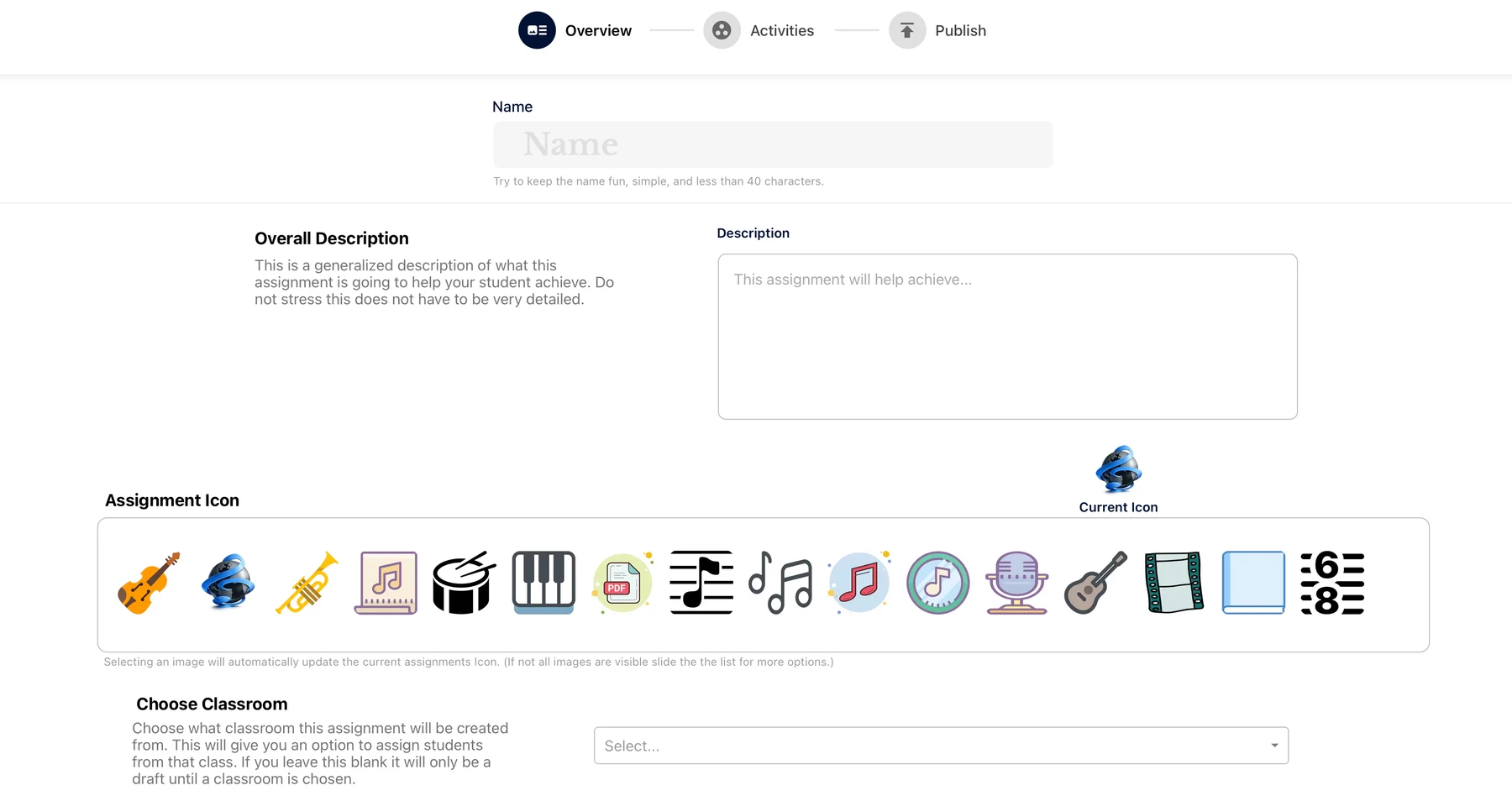
Build reusable activities, attach resources, publish assignments, and review student practice from one teacher workspace.
Explore StudioHelp students see what to practice, log work, and stay accountable between lessons.
Practice TrackingSchool owners and directors can use Admin for teacher visibility, engagement signals, and lesson accountability.
Explore AdminBuying Guide
A strong teaching platform should help you do more than store lesson notes. It should make the student's next step clear, keep resources easy to find, show whether practice happened, and reduce the amount of time you spend repeating the same reminders every week.
Students should leave every lesson with a written plan, attached resources, and a clear definition of what successful practice looks like.
Teachers should be able to review practice history before lessons so follow-up can be specific instead of reactive.
Look for tools built around lessons, activities, repertoire, resources, students, and families rather than generic classroom posts.
FAQ
Yes. Teacher plans are built for private teachers, independent studios, and instructors who need a better way to manage student follow-through.
No. LaMusix is designed around teaching, assignments, practice accountability, and progress rather than billing-first studio administration.
Yes. Students can view assignments, resources, practice expectations, and progress in their dashboard.
Most software manages schedules and payments. LaMusix helps students practice, complete assignments, and make progress between lessons.
Try LaMusix
Start with a free trial or request a walkthrough tailored to your teaching studio.